
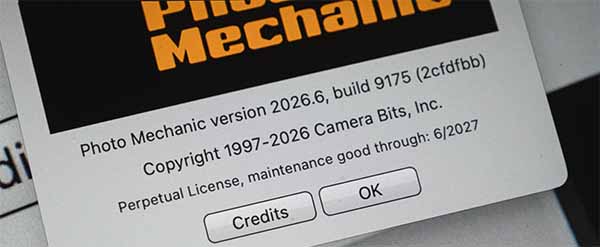
A new Photo Mechanic build (Version 2026.6 Build 9175) is now available and includes a number of workflow improvements, customization options, and expanded file format support.
Highlights of this update include:
- Custom keyboard shortcuts for Upload templates and their individual snapshots
- A new preference to suppress the Upload Progress dialog when starting uploads (the dialog can still be accessed by double-clicking the associated task in the Tasks pane)
- Custom keyboard shortcuts for the Metadata (IPTC) Info dialog
- Support for evaluating variables in SmugMug upload destination paths
- Read-only support for AVIF image files
- Read-only support for JPEG XL image files
For macOS users, this build also includes an improved experience when selecting external editing applications.
See the full list of additions and fixes in the README that comes with the installer, or check the build announcement on our forum.
The update is available to all customers with an active Photo Mechanic subscription, as well as perpetual license holders who are currently within their maintenance window.
If automatic updates are enabled, Photo Mechanic should notify you when the update is available. If not, you can manually check by choosing Help > Software Updates from the menu.
As always, thank you for your feedback and support. We hope these additions help streamline your workflow and make Photo Mechanic even more flexible for the way you work.